

How it works
- The first time a guest saves something, their browser gets an anonymous session ID. Their wishlist is tied to that ID.
- When the guest logs in or creates an account, their guest wishlists move to their customer account automatically, on the first page they open after signing in. Nothing is lost.
- If a different customer then logs in on the same browser, they start fresh. They never see the previous shopper’s lists.
Turn guest wishlists on or off
Go to Insights → Wishlist Settings and use the Guest wishlists toggle (“Let shoppers save without logging in”). Guest wishlists must also be included in your plan. When they are off, a guest who clicks the wishlist button sees “Please log in to save items to your wishlist.” with a Log in link. After logging in, they return to the page they were on.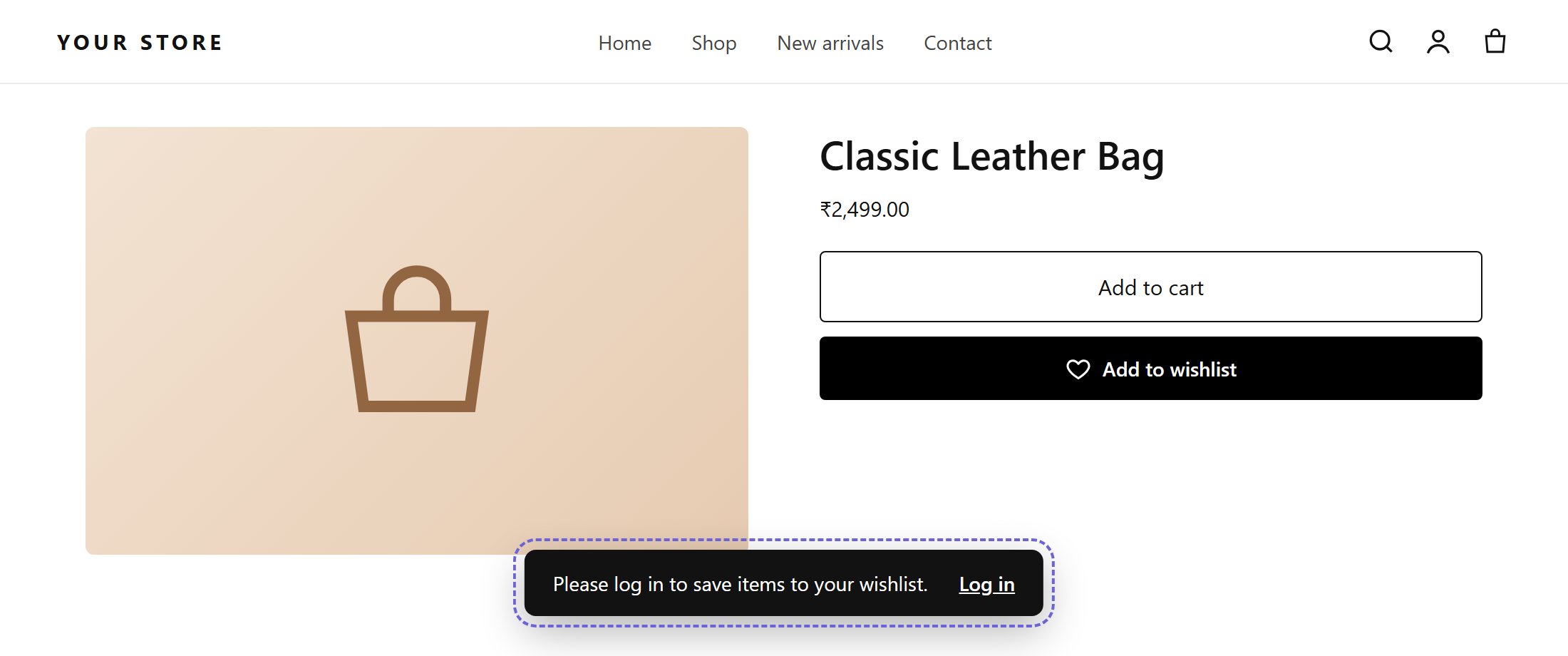
What a guest sees when guest wishlists are off
How long guest wishlists are kept
Guest wishlists are deleted automatically 90 days after they are created. Wishlists of signed-in customers are never deleted automatically. The retention period is shown in a banner on Customers → Guest Users. To change it, contact support.Guests in your reports
- Customers has a Guest Users view. Guests have no name or email, so search and sort are not available there.
- Guests do not receive reminder emails and do not fire the Shopify Flow trigger, because the app has no email address or customer for them.