

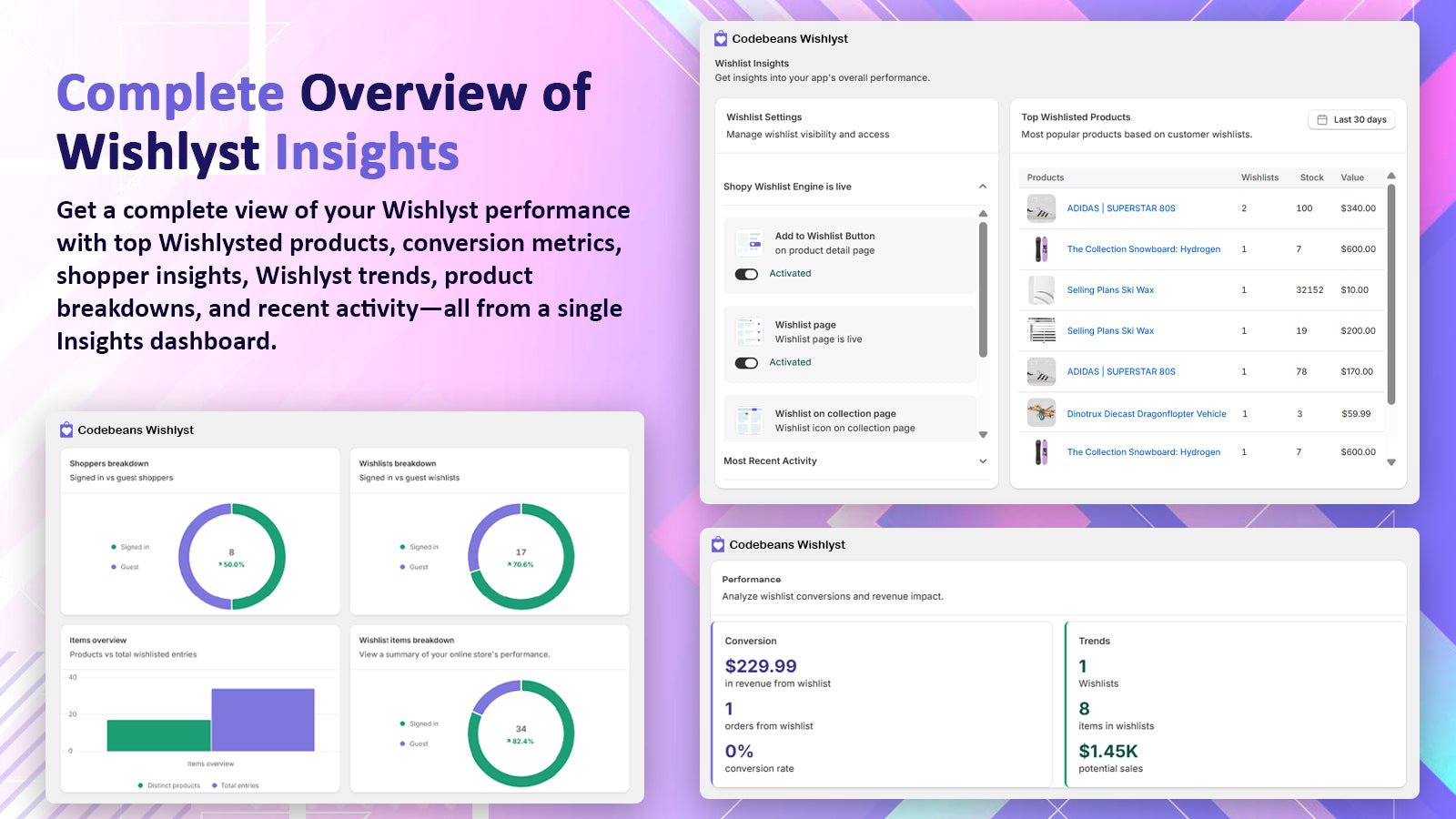
The Insights page: feature switches, top wishlisted products, performance and breakdowns
Storefront feature switches
Open the Wishlist Settings panel at the top of the page (Shopy Wishlist Engine is live). Each toggle shows Activated or Deactivated:Top wishlisted products
Requires Basic or Advanced analytics.
Performance
Requires Basic or Advanced analytics.
How wishlist orders are counted
When a shopper adds a product to the cart from a wishlist (for example from the wishlist page, or after clicking a product in a reminder email), the app marks the cart line. When the order is placed, the app tags itcbwishlist-order.
To see these orders in Shopify, go to Orders and filter by tag cbwishlist-order.
Advanced breakdowns
Requires Advanced analytics.
- Shoppers: signed-in vs guest
- Wishlists and Wishlist items breakdowns
- Items overview: distinct products vs total entries
Popular activity
- Growth so far
- Shoppers: who interacted most with wishlists
- Popular products
- Running out soon: low in stock, high on demand. Good candidates for a low-stock alert.