

The master switch
Enable chase emails (on by default) controls every automated and manual email: campaigns, low-stock alerts, price-drop alerts and manually sent reminders.Wishlist campaign
Requires Automated Chase Emails in your plan.
How a campaign runs
1
It starts
When a signed-in customer adds their first item, a campaign starts for them. Each customer has at most one campaign running, covering all of their wishlists.
2
Four reminders
Each reminder is one email listing all the eligible products from all their wishlists.
3
Products are filtered
A product is left out if the customer bought it since the campaign started, or if it is no longer available for sale. If nothing is left, that reminder is skipped.
4
It stops
The campaign ends after the final reminder, or earlier if the customer unsubscribes, their email bounces, has no email address, campaigns are turned off, or your plan no longer includes them.
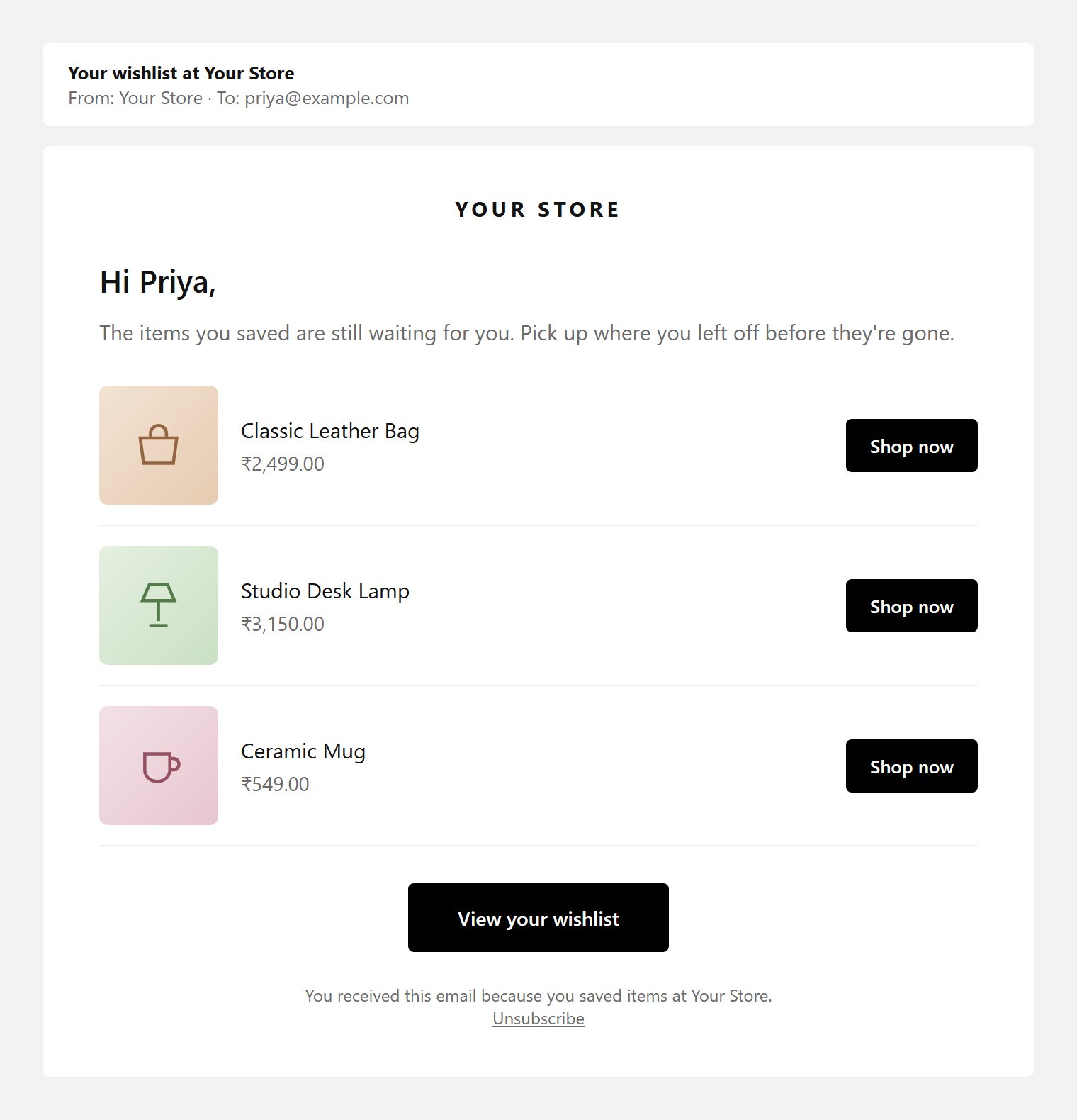
A campaign reminder email (default template, simplified)
Change the timing
Set each reminder’s Days after the campaign starts (1–365). Changes apply to campaigns that start after you save. Campaigns already running keep their schedule.Guests are never emailed: the app has no address for them. Campaigns start for guests only after they log in and their list moves to their account.
Email allowance
Campaign emails, low-stock and price-drop alerts and manual reminders are promotional emails. They count toward your plan’s Promotion Emails / Month, shown on the Home dashboard. When the allowance is used up, promotional emails stop until the next billing period. Share emails, export emails and test emails do not count.Unsubscribes and bounces
- Every promotional email contains an unsubscribe link. It opens a confirmation page (“Unsubscribe from emails?”) so a link scanner cannot unsubscribe someone by accident. Unsubscribed shoppers get no more promotional emails.
- An address that hard bounces is blocked from all emails. After 3 soft bounces it is blocked too.
Track results
Product links in reminder emails are tracked. When a shopper clicks one and buys, the order is taggedcbwishlist-order and counted in Insights → Performance.
Edit the content of each reminder in Email templates.